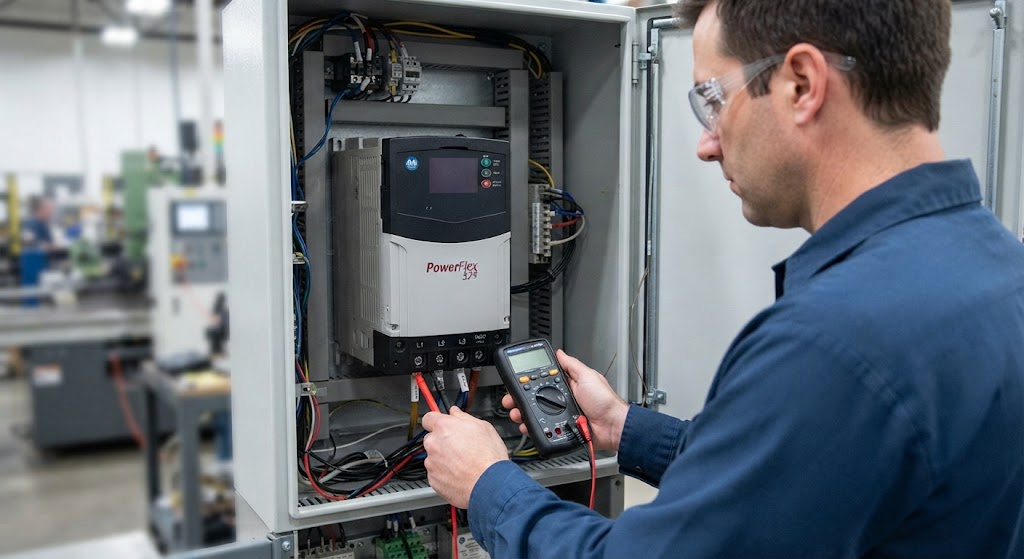
PowerFlex 525 troubleshooting is most effective when the investigation moves from the drive and motor toward the PLC. Replacing a drive before checking the fault history, motor data, control source, and enable circuit can create a second problem without addressing the first.
Record the exact fault, time, operating state, speed, load, and whether the event occurs during start, acceleration, steady speed, or stop. The same code can point to different first checks depending on when it occurs.
When the drive will not power or enable
Qualified personnel should verify incoming power, disconnects, fuses, grounding, control power, and the drive status. Check the enable and safe-torque-off circuit according to the machine’s safety design. Do not bypass a safety circuit to make a drive run. A drive can have a valid network connection and still refuse motion because its enable or safety conditions are not satisfied.
When the motor will not run
- Confirm the selected control source: keypad, terminal block, or EtherNet/IP.
- Verify the run command, direction, enable, and speed reference are coming from that source.
- Check whether the drive is in local mode when the PLC is expected to control it.
- Confirm the PLC is not inhibiting the connection or holding a permissive false.
- Verify the motor is mechanically free and the commanded speed is nonzero.
Motor data and acceleration faults
Compare motor nameplate information with the drive’s motor parameters and the plant’s standard configuration. Incorrect motor data, aggressive acceleration, current limits, a mechanical bind, or an undersized motor can produce trips at startup. Do not treat a current or overload fault as proof of a PLC problem.
Network-controlled drives
Check IP address, subnet, adapter status, controller connection, output assembly mapping, and inhibit state. Confirm that the PLC’s command and reference data match the drive’s expected format. Check feedback and fault words rather than assuming the absence of a PLC error means the drive is healthy.
Repeated faults
Use the PowerFlex 525 fault-code reference to identify the family of fault, then inspect the conditions that create it. Capture the fault before resetting, compare it with motor current and process load, and look for patterns by product, speed, temperature, or shift.
Work around energized drives and rotating machinery only under the site’s electrical safety procedures and with qualified personnel. TechControl provides VFD programming and industrial troubleshooting for existing drive applications.
Ready to bring your project to life?
Contact Us