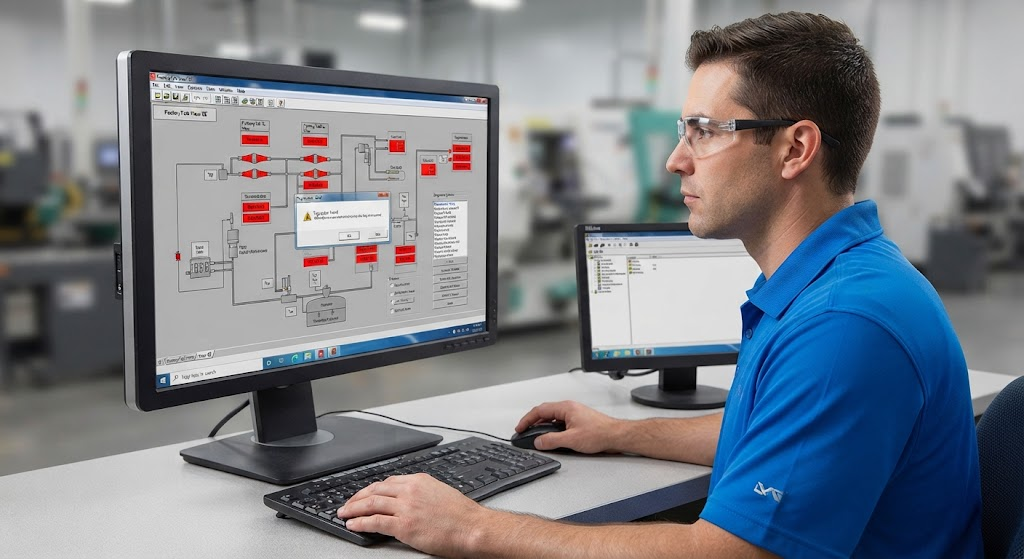
FactoryTalk View issues often involve the boundary between the development application, runtime file, terminal, communications shortcut, and PLC. Identify which layer is failing before rebuilding the entire application.
Development versus runtime
Confirm whether the problem exists in the development project, the generated runtime, or only on the terminal. A runtime built from an older application can contain paths, displays, or tag references that no longer match the controller.
Shortcuts and paths
Verify the communications shortcut points to the intended PLC and that controller names, slots, IP addresses, and bridge paths match the installed system. Do not copy an old path into a replacement project without checking the device identity.
Tags and displays
If only some values fail, compare tag names, data types, controller scope, array indexes, and permissions. A working network connection does not prove that every application reference is valid.
Terminal checks
Check terminal power, network link, address, subnet, runtime selection, and storage state. Follow the site’s approved process for downloading or replacing a runtime. Preserve the current project and rollback copy first.
Verification
- Test a known-good status tag.
- Test a command through the normal operator path.
- Confirm alarms and acknowledgements.
- Test communication loss and recovery.
TechControl provides HMI development and industrial controls troubleshooting. For symptoms involving the controller path, also see HMI won’t connect to PLC.
Ready to bring your project to life?
Contact Us