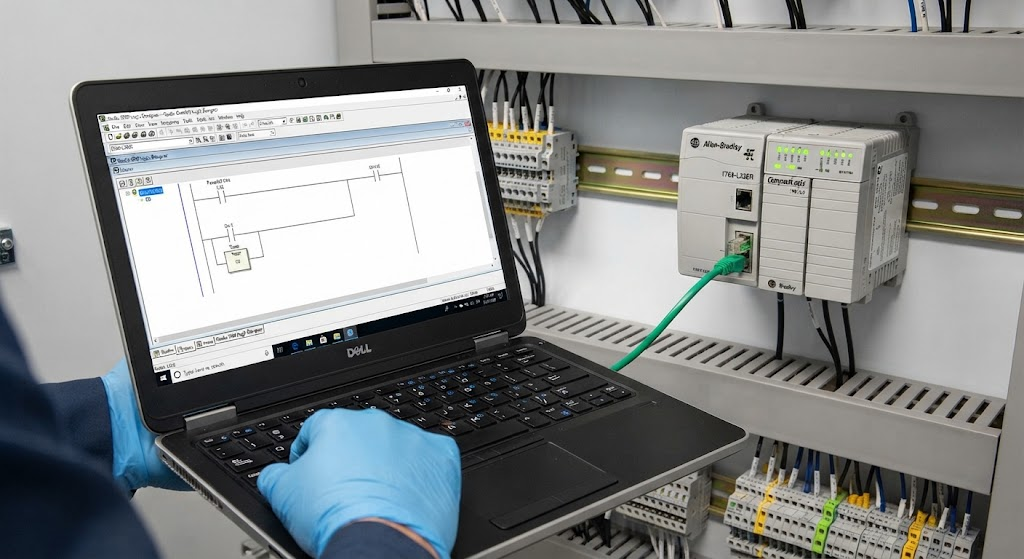
A PanelView that shows asterisks, stale values, or “PLC not responding” has a communications path that needs to be isolated. The cause may be the terminal network settings, FactoryTalk View shortcut, controller name or slot, runtime version, PLC state, or physical network.
Identify the symptom
- All tags are unavailable: investigate the terminal path, network, and controller connection.
- Only some tags are wrong: compare tag names, data types, addresses, and controller scope.
- Values are stale: check whether the runtime is connected and whether the PLC data is changing.
- The application will not start: verify that the runtime and terminal application match.
Check the FactoryTalk path
Confirm that the communication shortcut in FactoryTalk View points to the intended controller. After a PLC replacement, the controller name, IP address, chassis slot, or bridge path may have changed. Test the shortcut against the actual device rather than copying an old project path without review.
Check terminal and controller networks
Verify the PanelView IP address, subnet, gateway, and link status. Confirm the PLC and HMI are on compatible network segments or that approved routing exists. A switch replacement can introduce port, VLAN, speed, or power problems that look like a software path error.
Check the runtime and tags
Make sure the downloaded runtime was built from the intended FactoryTalk View application and that the terminal is running the expected version. If the connection works but values remain wrong, compare tag names, controller scope, data types, array indexes, and address mapping. A communications message can conceal an application mismatch.
Do not bypass the control boundary
An HMI should display and request machine actions; it should not be the only place that enforces safety or sequence interlocks. If the screen is offline, diagnose the connection without forcing outputs or bypassing safeguards. Electrical and network work should follow site procedures and be performed by qualified personnel.
After correction, test startup, alarm acknowledgement, recipe access, mode changes, and loss-and-recovery behavior. TechControl rebuilds and commissions HMIs through HMI development and can investigate connected PLC, network, and machine behavior.
Ready to bring your project to life?
Contact Us