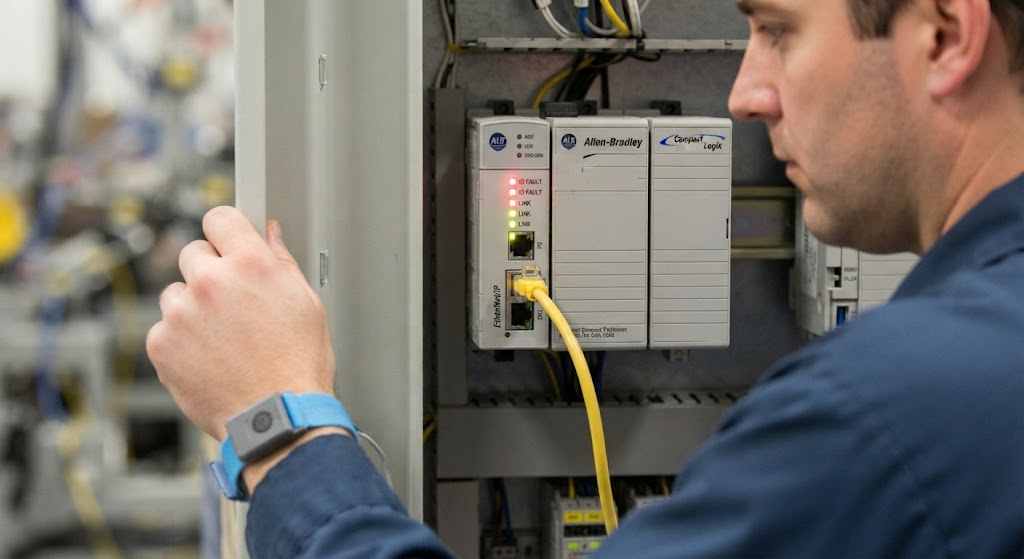
CompactLogix communication errors can appear as yellow I/O modules, failed connections, stale data, MSG errors, or a controller that will not reach the expected run state. Separate controller access, remote I/O, produced and consumed data, MSG instructions, and EtherNet/IP devices because each path has different checks.
Start with the device and configuration
- Compare the module IP address with the Studio 5000 I/O configuration.
- Check for duplicate IP addresses after cloned or replaced devices.
- Confirm power and link/activity indicators.
- Verify electronic keying and firmware compatibility.
- Check whether the module or target is inhibited.
Remote I/O and adapter connections
A remote adapter may be reachable while one child module is not healthy. Check the adapter first, then its child module status, connection configuration, and ownership. Review connection fault information instead of clearing the fault repeatedly.
Network causes
Inspect patch leads, switch ports, power, VLAN assignment, managed-switch configuration, and topology. A device can respond to a basic network test while cyclic I/O connections still fail. Intermittent link drops, duplicate addresses, overloaded infrastructure, and incorrect routing require different remedies.
MSG and controller-to-controller data
For MSG instructions, verify the CIP path, target identity, message type, destination tag, permissions, and timeout handling. For produced and consumed tags, confirm data type, connection configuration, controller ownership, and whether both projects changed together.
Verification sequence
- Record the first connection fault before resetting.
- Confirm power, link, IP address, subnet, and duplicate-address risk.
- Compare online identity with project configuration.
- Check inhibit, keying, firmware, path, and connection settings.
- Test under normal load after correction.
If Studio 5000 cannot reach the processor at all, use Studio 5000 connection troubleshooting. For field signals rather than networking, see PLC I/O troubleshooting. TechControl supports existing systems through industrial troubleshooting.
Ready to bring your project to life?
Contact Us