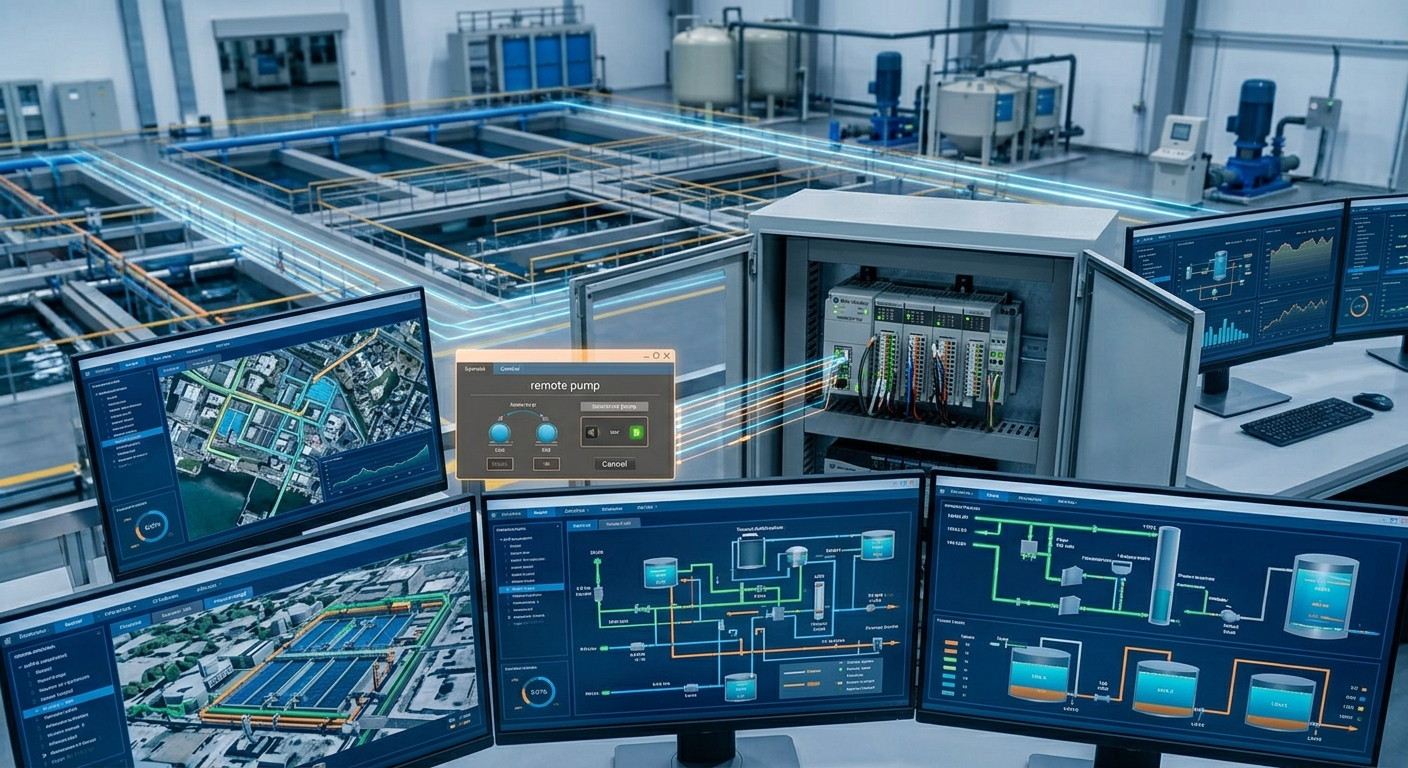
SCADA, short for supervisory control and data acquisition, is a software and communications layer used to monitor processes across machines, lines, or facilities. It gathers data from PLCs, remote devices, meters, and gateways and presents that information to operations and engineering users.
What SCADA provides
Common functions include plant overview screens, trends, alarm history, production counts, reports, user access, and historian storage. These functions help teams see patterns that are difficult to identify from one local HMI.
How SCADA connects to controls
SCADA normally communicates with PLCs or data servers through configured drivers, tags, and network paths. The PLC remains responsible for time-critical machine control. A SCADA connection loss should create a visible data or alarm condition, not silently change a guarding or motion decision.
Historian and alarm design
Historical data is useful only when tag names, units, timestamps, and state definitions are reliable. Alarm systems should distinguish a new event from an acknowledged condition and preserve the first cause when possible. Recording every tag without a purpose can make the system harder to operate.
SCADA versus HMI
An HMI is usually focused on one machine or cell. SCADA supervises multiple assets and supports broader reporting and operations. They may use related technologies, but their screen hierarchy, data retention, users, and response expectations differ. See PLC vs HMI vs SCADA.
Planning a SCADA project
- Define the decisions the data must support.
- Standardize tag naming, units, states, and alarm priorities.
- Document PLC paths, network boundaries, and user access.
- Test data quality, timestamps, lost communications, and recovery.
TechControl supports the PLC and HMI layers that supply reliable supervisory data. See HMI development and PLC programming for related support.
Ready to bring your project to life?
Contact Us